Change the memory setting
In your own video tool, replace the sunny field with one simple, well-lit place. Keep the same two identities.
Use two normal portraits as identity references. The first person stays human; the second becomes the zombie. No reference video is needed for this version.
PROMPT
Use 2 photos as separate identity references in a multi-image video tool. This template does not need a reference video.
The story and settings are already prepared. Add your photos below and pay once to generate your video.
Adapted from public prompt guides for this template’s photo roles. You can copy and edit our version. Results vary by model and photos.
2 photos · no reference video needed
@Image1The human partnerRequired@Image2The zombie partnerRequiredKit: prompt & photo checklist. Add your own photos as separate identity references.
Use as a starting point. Results depend on your chosen video tool.
TEMPLATE · SHORT STORIES
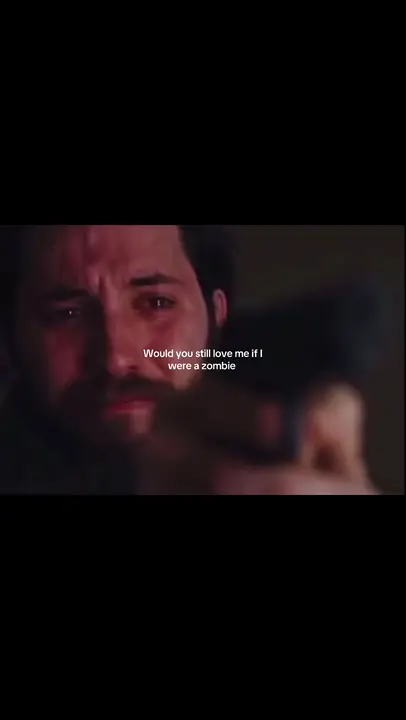
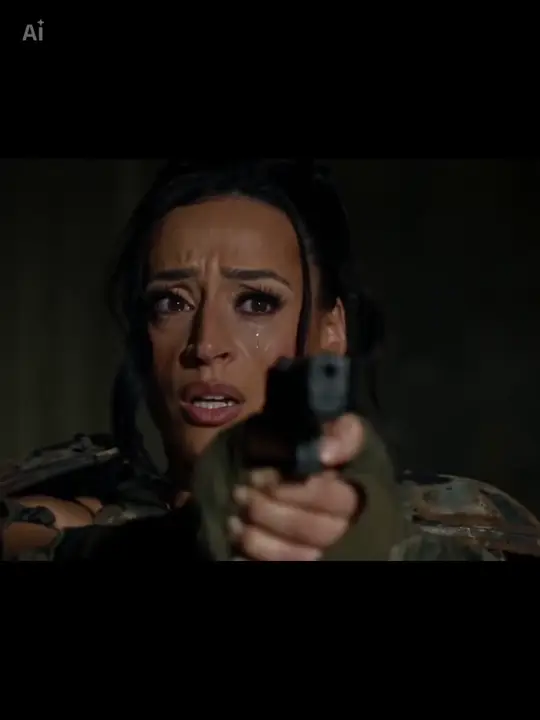
One of you is human. The other returns as a zombie. Add two portraits for a short reunion that cuts to a sunny memory of you both.
 1 / 2
 2 / 2
Creator examples from public posts, shown for reference. Not made with AI Trend Clips. Sources: @ghostxsniper108, @sinifreak
Add one adult to each role. Only the second person gets zombie makeup; both return to normal in the memory.
One person, waist up, face clearly visible. No zombie makeup needed.
A normal portrait of the second person. The story adds the zombie look.
Checking template availability…
Still needed: The human partner, The zombie partner
HOW TO USE IT
Choose a video model that accepts multiple identity images. Set 12 seconds, 16:9 and 720p. The two portraits represent people, not the opening and closing frames.
Each tag in the prompt points to one upload: @Image1 = The human partner · @Image2 = The zombie partner.
Match the prompt’s reference labels to your tool’s input names. Keep each photo assigned to the same role when you paste the prompt.
The roles stay separate · Both return to normal · The embrace is believable
MAKE IT YOURS
In your own video tool, replace the sunny field with one simple, well-lit place. Keep the same two identities.
Use pale makeup and distressed clothing, without blood or injury detail, so the emotional contrast stays central.
TROUBLESHOOTING
Check the image order and repeat each role consistently. Use one person per input photo.
Specify that both people have normal skin and clean clothes after the cut. If needed, create the memory as a separate shot in your own tool.
Reduce the opening movement and keep one approach, one meeting and one cut. More actions can make a short clip harder to follow.
GOOD TO KNOW
Yes. Match the reference labels to that tool's upload order. The prompt is a starting point; different models can produce different results.
Add your photos, pay once and follow progress in My orders.