Choose a clear photo
Use a well-lit photo with the subject visible. Avoid covered faces, heavy filters and small faces in group photos.
AI VIDEO TEMPLATE
Turn one adult photo into a 9-second waist heart video. Flex one arm, lower your hand to your hip and hold the curve against your waist.
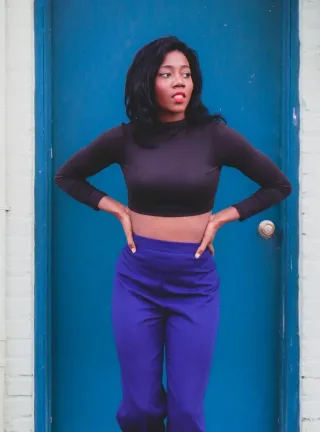 Stock photo · Pexels
See creator examplesPrompt & tutorialBicep Heart · frame your partner’s face
Use a front-facing photo that shows your waist, hands and elbows. Leave a little space on both sides of your body.
One adult, framed from head to hips with both elbows in view.
Checking template availability…
Still needed: Your waist-up photo
Same idea, other viral clips. Your photo, one price, no subscription.


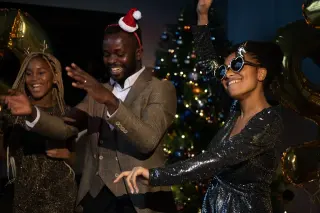
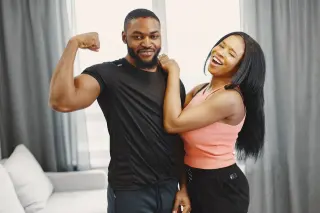

 Creator reference
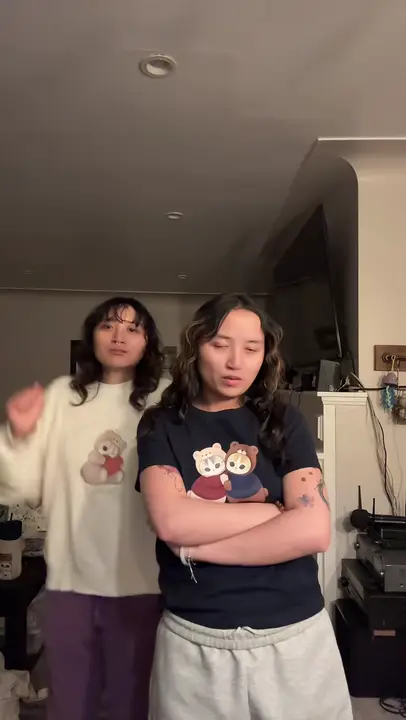 Creator reference
 Creator reference
 Creator reference
 Creator reference
 Creator reference
 Creator reference
 Creator reference
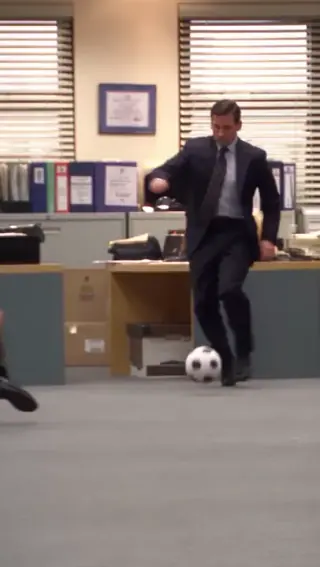
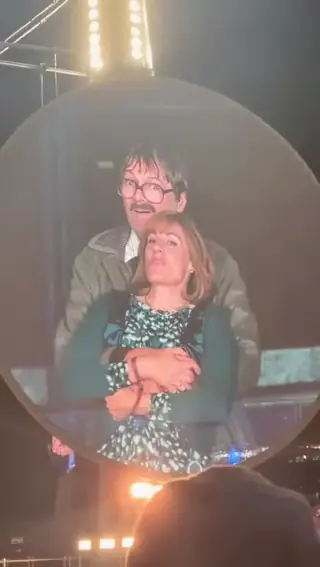



Updated
The pose happens at one hip. After a quick flex, the performer curves one hand beside the waist. The gap between the bent fingers and the waistline gives the heart its shape. The camera stays still while the performer holds it.
SEEN ON SOCIAL
Real posts of this trend by other creators, so you can see the look before you buy. They open on the original platform and were not made by AI Trend Clips.
Add your photos to the labelled roles and pay once. The story prompt and video settings are already prepared. Follow progress in My orders; failed generations are refunded automatically.
Make my videoUse a front-facing photo that shows your waist, hands and elbows. Leave a little space on both sides of your body.
US$9.99 per video. Stripe converts to your local currency at checkout where available. No account, no subscription.
Usually 10 to 30 minutes. You can close the page; the video waits in My orders on this device for 30 days.
Download the MP4 and post it on TikTok, Reels or Shorts. Label it as AI-generated where the app asks.
BEFORE YOU UPLOAD
Most failed results start with the photo. Check these three things first.
Use a well-lit photo with the subject visible. Avoid covered faces, heavy filters and small faces in group photos.
Sleeves that end above the wrist leave the hand visible. A top that contrasts with the background makes the outline easier to see.
QUALITY CHECK
Use these checks on any video tool before you post.
Watch the full clip for changes to faces or distinguishing features, especially when the subjects move.
Hands, limbs and contact between people can distort. Review the result before sharing.
PRICING
Pay once for each video. Prices are shown in your local currency where available.
$9.99/ video
GOOD TO KNOW
Choose a wider photo if you have one. A tight selfie leaves the model to invent the waist, sleeves and hand position, which can make the heart hard to see.
The prompt asks for original instrumental music without the trend song; generated audio can vary. For a specific track, check your platform’s music library and usage rules.
Each video is a one-time payment of US$9.99. Where supported, Stripe converts this to your local currency at checkout and shows the exchange rate and final amount before you pay. No account or subscription. If the video can't be made, you get a full refund automatically. The prompt is free.
Photos are uploaded only when you buy, sent to our AI video provider only to make your video, never used for training, and deleted automatically after 30 days together with the video.
Read how we handle your photos, the permitted uses and the refund terms.
Add your photo, pay once and download your video in minutes.