One subject per photo
Use one adult or one pet in even light, with the face uncovered. Avoid group photos, filters and sunglasses.
TEMPLATE · BASKETBALL
Beat the defender, rise to the rim and finish with a reverse dunk and a cheeky gesture. Cast yourself or your pet, then choose who gets dunked on.
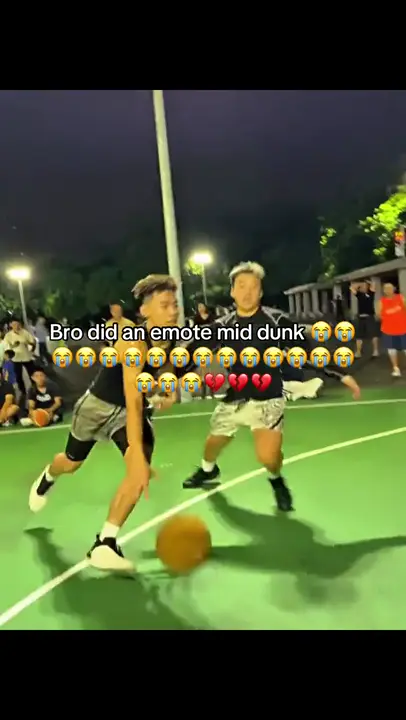 1 / 2
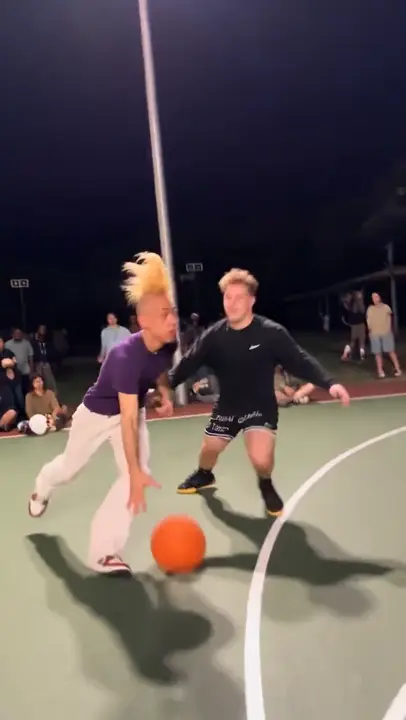 2 / 2
Creator examples from public posts, shown for reference. Not made with AI Trend Clips. Sources: @dihanator4000, @teuteuf6
Add the dunker first. A friend's photo is optional; otherwise AI creates the defender. A pet can play either role and raises a paw instead of a finger.
One adult or pet, face and body visible. A full-body photo helps with the jump.
Your consenting friend or pet. Leave blank for a fictional AI defender.
Court
Checking template availability…
Still needed: The dunker
Same idea, other viral clips. Your photo, one price, no subscription.
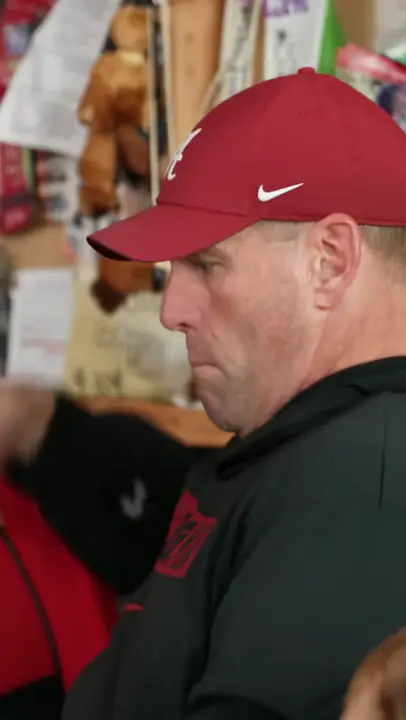 Creator reference
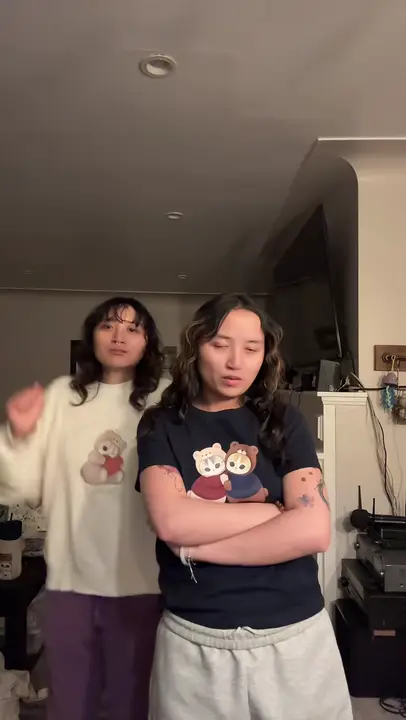 Creator reference
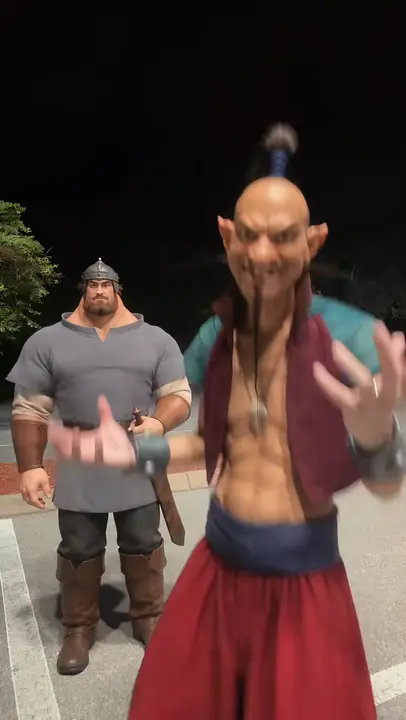 Creator reference
 Creator reference
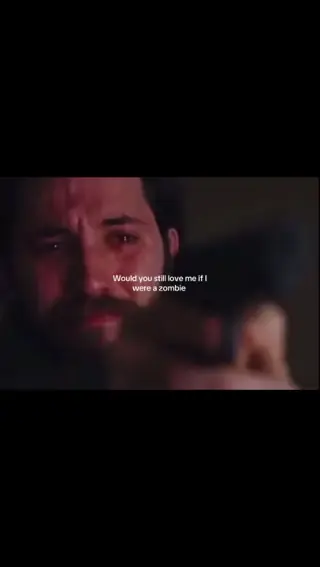 Creator reference
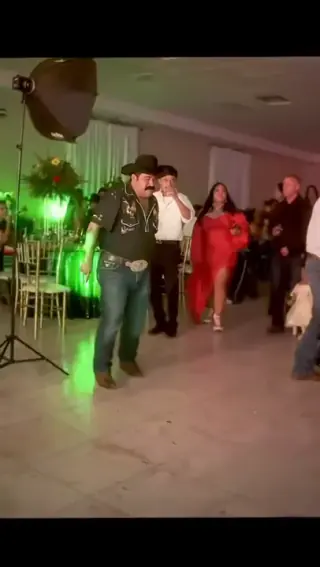 Creator reference
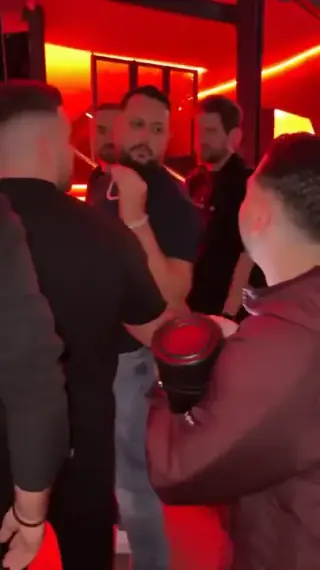 Creator reference
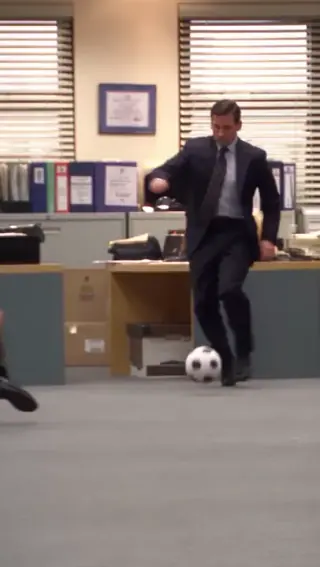
Updated
The @dihanator4000 clip pairs a crossover and an airborne dunk with a gesture to the camera. This template sends the original clip and your cast photos to the model. Its action, camera movement and replay cuts guide the ten-second remake.
Your crossover, your reverse dunk. Add a defender or let AI create one; pets raise a paw. @dihanator4000 · original streetball clip
SEEN ON SOCIAL
Watch the examples selected for this trend. Public creator clips are shown for reference and credited below; they were not made with AI Trend Clips.
Add the dunker first. A friend's photo is optional; otherwise AI creates the defender. A pet can play either role and raises a paw instead of a finger.
Keep the default location or choose a new one using a description or a location photo. Only the setting changes: the cast roles and action sequence remain the same. The scene photo is never another person in the video.
Add your photos to the labelled roles, keep the original setting or choose a new one, and pay once. The model receives the reference video together with your photos. Follow progress in My orders; failed generations are refunded automatically.
Make my videoAdd the dunker first. A friend's photo is optional; otherwise AI creates the defender. A pet can play either role and raises a paw instead of a finger.
Your location, the same play
US$9.99 per video. Stripe converts to your local currency at checkout where available. No account, no subscription.
Allow about 5–10 minutes; a busy queue can take longer. Follow the order in My orders and download the MP4 when it is ready. We add no watermark. A failed generation is refunded automatically.
Download the MP4 and post it on TikTok, Reels or Shorts. Label it as AI-generated where the app asks.
BEFORE YOU UPLOAD
Most failed results start with the photo. Check these three things first.
Use one adult or one pet in even light, with the face uncovered. Avoid group photos, filters and sunglasses.
A standing photo shows proportions and clothing. A tightly cropped face leaves the jump pose to the model.
For a custom scene photo, show enough space between the players, the floor and the rim.
QUALITY CHECK
Use these checks on any video tool before you post.
Follow the ball through the rim and net. Fast sports motion can produce a missed or floating ball.
Check fingers during the gesture. Pets should raise a paw without growing human hands.
Look for identity swaps when the players overlap below the basket.
PRICING
Pay once for each video. Prices are shown in your local currency where available.
$9.99/ video
GOOD TO KNOW
No. Your first photo supplies the dunker. A second photo chooses the defender; without it, the model invents a fictional adult opponent.
Yes. The prompt uses stylized upright motion while keeping the animal's face and fur. A pet raises a paw instead of a middle finger. The exact gesture can vary.
Yes. Describe a new location or add a scene photo. The prompt keeps the crossover, reverse dunk and reaction, and adds a usable basket to the setting.
Allow about 5–10 minutes; a busy queue can take longer. Follow the order in My orders and download the MP4 when it is ready. We add no watermark. A failed generation is refunded automatically.
Each video is a one-time payment of US$9.99. In Brazil, Mexico and Ukraine the reference-video price is fixed in local currency: R$29,90, MX$99 and ₴249. Where supported, Stripe converts this to your local currency at checkout and shows the exchange rate and final amount before you pay. No account or subscription. If the video can't be made, you get a full refund automatically. The prompt is free.
Photos are uploaded only when you buy, sent to our AI video provider only to make your video, never used for training, and deleted automatically after 30 days together with the video.
Read how we handle your photos, the permitted uses and the refund terms.
Add your photo, pay once and download your video in minutes.