One person per photo
Use two separate portraits and check their role labels. A group photo makes it harder to keep the identities separate.
TEMPLATE · SHORT STORIES
One of you is human. The other returns as a zombie. Add two portraits for a short reunion that cuts to a sunny memory of you both.
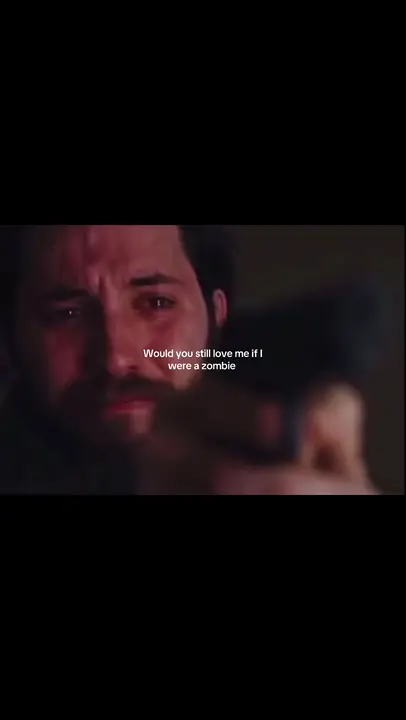 1 / 2
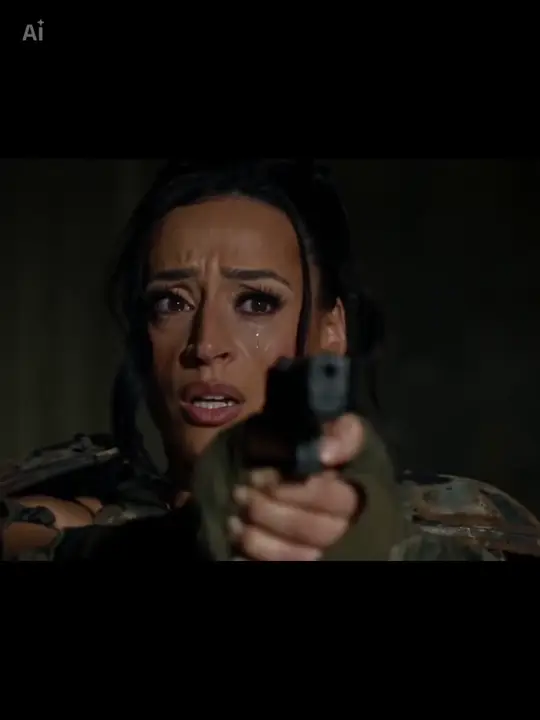 2 / 2
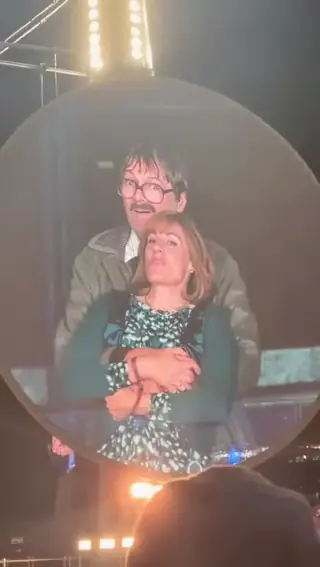
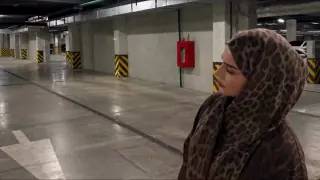
Creator examples from public posts, shown for reference. Not made with AI Trend Clips. Sources: @ghostxsniper108, @sinifreak
Add one adult to each role. Only the second person gets zombie makeup; both return to normal in the memory.
One person, waist up, face clearly visible. No zombie makeup needed.
A normal portrait of the second person. The story adds the zombie look.
Checking template availability…
Still needed: The human partner, The zombie partner
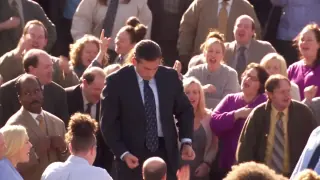
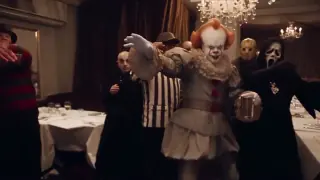
Same idea, other viral clips. Your photo, one price, no subscription.
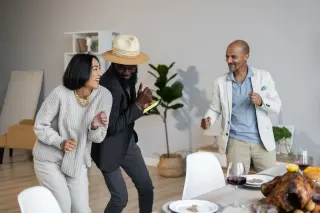
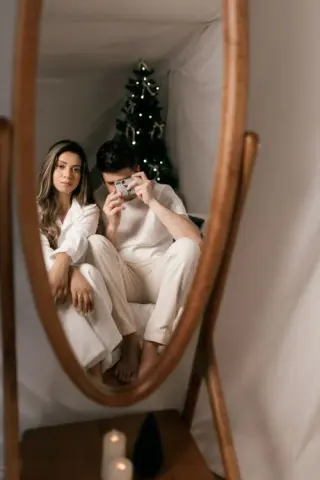
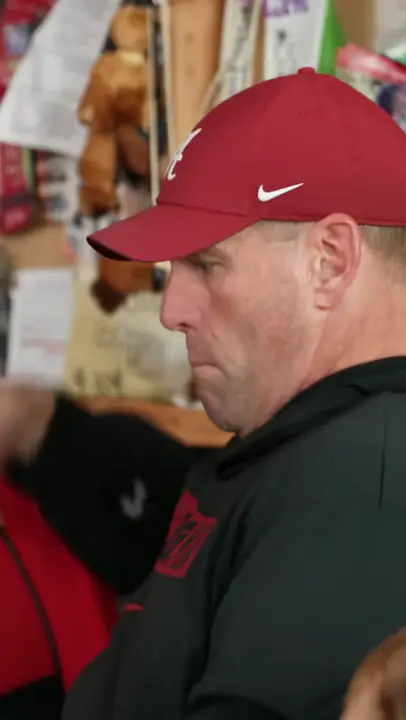 Creator reference
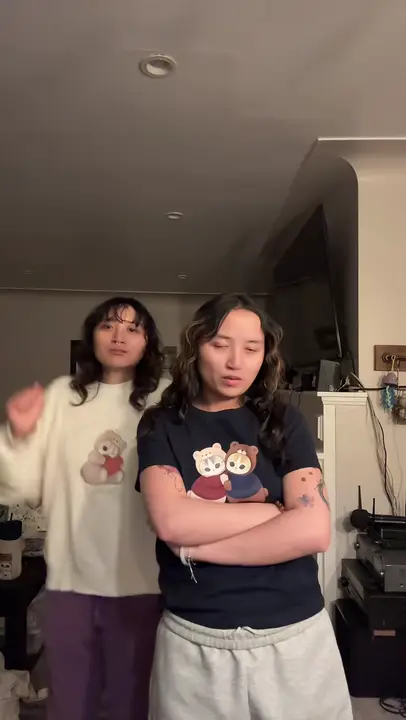 Creator reference
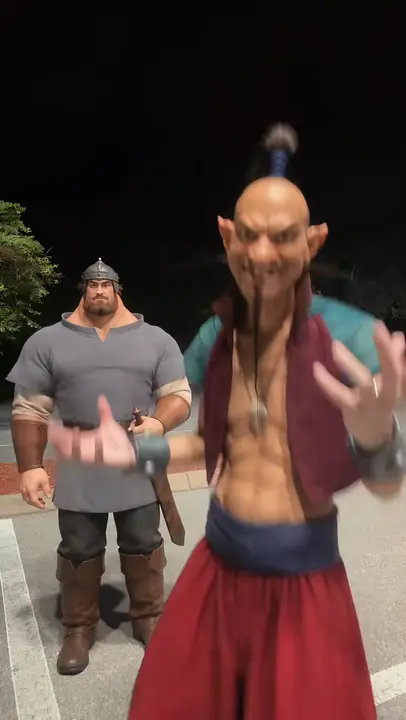 Creator reference
 Creator reference
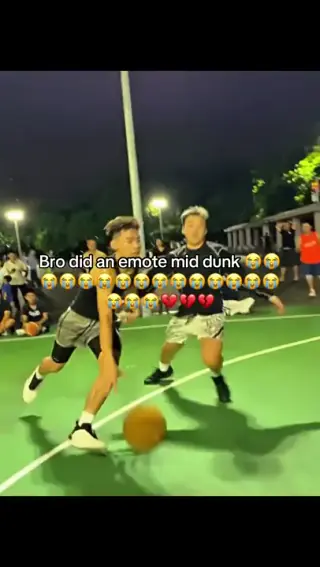 Creator reference
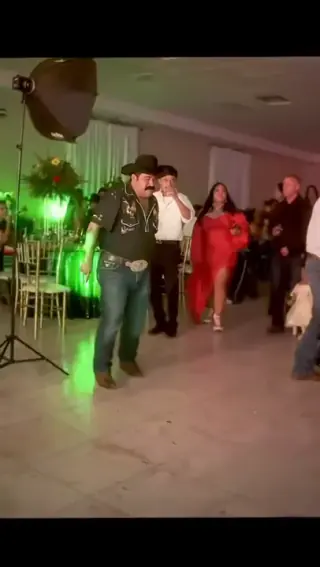 Creator reference
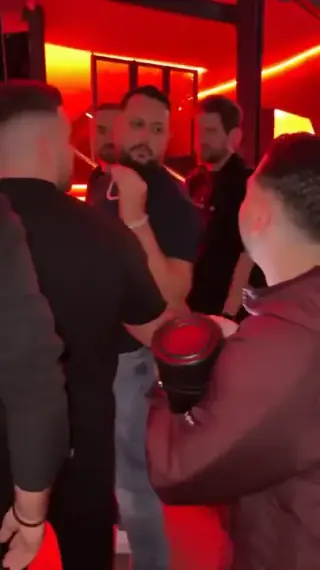 Creator reference
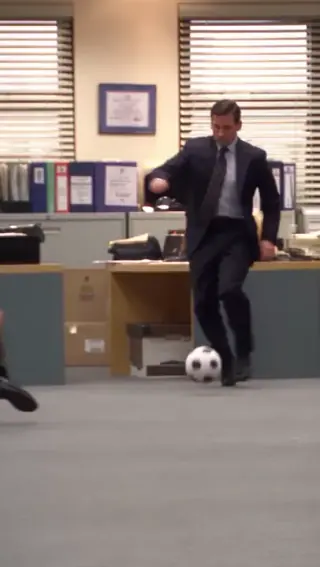
Updated
Zombie Couple AI is a short reunion story built around a contrast: one partner recognizes the other beneath zombie makeup, then the scene cuts to a warm memory of them together. The change from fear to recognition matters more than adding more horror effects.
Our version takes two portraits as identity references and generates a new 12-second landscape story. It does not need a video from you, and it does not promise an exact recreation of another creator's camera angles or faces.
RemakeYourMeme describes a version that uses depth information from a source clip. That is a different way to control the same story idea; a two-photo upload screen does not reveal every step used behind it. Zombie Couple production guide
SEEN ON SOCIAL
Watch the examples selected for this trend. Public creator clips are shown for reference and credited below; they were not made with AI Trend Clips.
The first box is the human partner. The second is the partner who appears as a zombie. Use normal portraits for both so the same faces can return in the memory. Swapping the photos swaps the roles.
The model creates the environment and movement. Likeness, hands, clothing and the exact moment of the memory cut can vary. Check that only one person has zombie makeup in the opening, and neither does after the cut.
Add your photos to the labelled roles and pay once. The story prompt and video settings are already prepared. Follow progress in My orders; failed generations are refunded automatically.
Make my videoHuman partner first, zombie partner second. Use separate photos of adults with clear faces and no heavy makeup.
US$4.99 per video. Stripe converts to your local currency at checkout where available. No account, no subscription.
Usually 10 to 30 minutes. You can close the page; the video waits in My orders on this device for 30 days.
Download the MP4 and post it on TikTok, Reels or Shorts. Label it as AI-generated where the app asks.
BEFORE YOU UPLOAD
Most failed results start with the photo. Check these three things first.
Use two separate portraits and check their role labels. A group photo makes it harder to keep the identities separate.
Use even light, open eyes and an unobstructed face. Avoid sunglasses and strong beauty filters.
Avoid masks and heavy makeup. The same face needs to work in both the zombie scene and the healthy memory.
QUALITY CHECK
Use these checks on any video tool before you post.
Only the second person looks like a zombie in the opening scene.
Check the faces and skin after the cut to the memory.
Watch the hands, arms and contact as the characters come together.
PRICING
Pay once for each video. Prices are shown in your local currency where available.
$4.99/ video
GOOD TO KNOW
No. Use two normal portraits. The model creates the setting, the zombie appearance and the memory from the story instructions.
No. This is a new version of the story. Camera angles, likeness and movement can vary between generations.
Yes. Put that person's portrait in the second upload box before buying.
Each video is a one-time payment of US$4.99. Where supported, Stripe converts this to your local currency at checkout and shows the exchange rate and final amount before you pay. No account or subscription. If the video can't be made, you get a full refund automatically. The prompt is free.
Photos are uploaded only when you buy, sent to our AI video provider only to make your video, never used for training, and deleted automatically after 30 days together with the video.
Read how we handle your photos, the permitted uses and the refund terms.
Add your photos, pay once and follow progress in My orders.