Keep faces unobstructed
Use a sharp, evenly lit photo. Avoid sunglasses, heavy filters and tiny faces in group photos; close-ups make identity errors easy to see.
TEMPLATE · BAND & MUSIC
Put your own band behind the desk. Choose a lead vocalist, then add up to four friends or pets for the instruments and backing vocals. Empty roles become fictional bandmates.
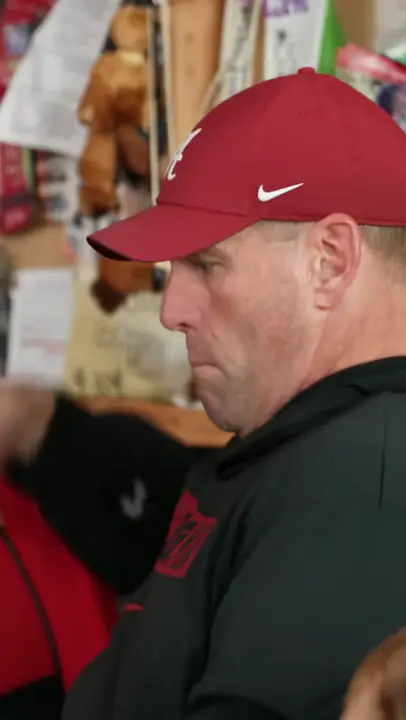 Example
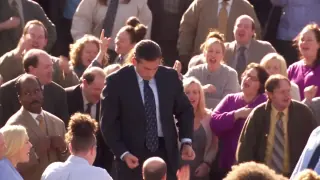
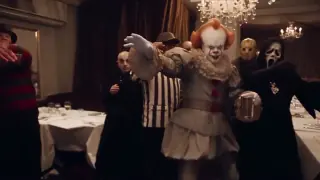
Creator examples from public posts, shown for reference. Not made with AI Trend Clips. Sources: @theburnerfromhe11
Start with your lead singer. The rest of the band is optional.
One clear portrait of an adult or pet for the close-ups.
Plays the keys in the group shots.
Takes the instrumental solo.
Sings on the left of the band.
Sings on the right of the band.
Setting
Checking template availability…
Still needed: Lead vocals
Same idea, other viral clips. Your photo, one price, no subscription.
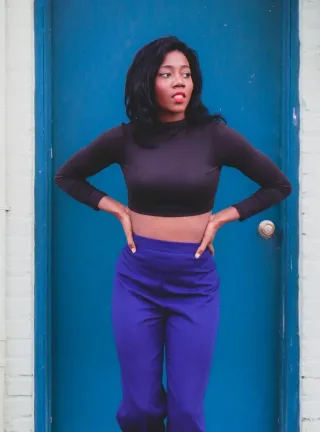
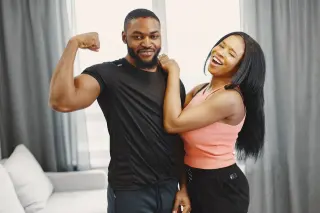
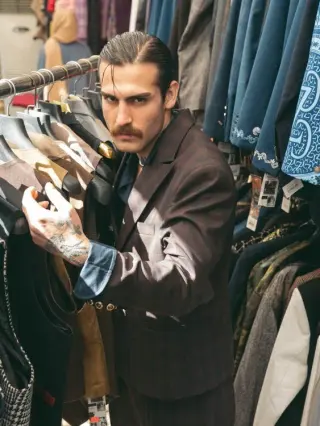
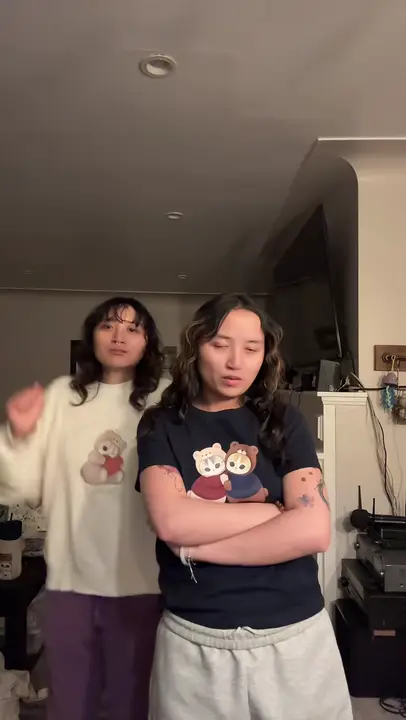 Creator reference
 Creator reference
 Creator reference
 Creator reference
 Creator reference
 Creator reference
 Creator reference
Updated
Tiny Desk AI turns a compact office concert into a cast-replacement joke: a singer, a keyboard player, a sax player and two backing vocalists share one small performance space. The source clip guides the cuts; your photos assign the performers.
The credited desk-band clip is the video reference for this template. It is a creator’s example, not evidence of a result generated on this site. @theburnerfromhe11 · Tiny Desk band reference
SEEN ON SOCIAL
Watch the examples selected for this trend. Public creator clips are shown for reference and credited below; they were not made with AI Trend Clips.
Start with the lead vocalist. Fill any other role you want to choose; each box takes one adult or one pet. You can skip a role without shifting the others.
The singer should keep one identity across the cuts. Watch for a face returning to the source performer or merging with a bandmate.
Hands, paws, keys and the saxophone can distort. Inspect the full MP4 before sharing; exact playing technique and lip sync are not guaranteed.
Add your photos to the labelled roles, keep the original setting or choose a new one, and pay once. The model receives the reference video together with your photos. Follow progress in My orders; failed generations are refunded automatically.
Make my videoStart with the lead vocalist. Fill any other role you want to choose; each box takes one adult or one pet. You can skip a role without shifting the others.
The default is the reference room. To change it, provide a room description or a separate location photo. It does not add a sixth band member.
US$9.99 per video. Stripe converts to your local currency at checkout where available. No account, no subscription.
Usually 10–30 minutes. Follow progress in My orders. One payment, no subscription; failed generations are refunded automatically.
Download the MP4 and post it on TikTok, Reels or Shorts. Label it as AI-generated where the app asks.
BEFORE YOU UPLOAD
Most failed results start with the photo. Check these three things first.
Use a sharp, evenly lit photo. Avoid sunglasses, heavy filters and tiny faces in group photos; close-ups make identity errors easy to see.
Separate portraits give the model a clearer cast than one group photo. Use different subjects for different boxes, especially the two backing singers.
Show the animal’s face, ears and markings. The prompt asks to keep those features; paws and instrument contact may still need a retry.
QUALITY CHECK
Use these checks on any video tool before you post.
The singer should keep one identity across the cuts. Watch for a face returning to the source performer or merging with a bandmate.
Hands, paws, keys and the saxophone can distort. Inspect the full MP4 before sharing; exact playing technique and lip sync are not guaranteed.
PRICING
Pay once for each video. Prices are shown in your local currency where available.
$9.99/ video
GOOD TO KNOW
That subject takes lead vocals. The prompt fills the other four roles with distinct fictional adult musicians. Optional photos replace only the role named on their box.
The model generates audio; the original recording and exact lip sync are not guaranteed. Add an available, licensed Outstanding sound in your posting app if you want that track.
Use your own photos of adults who agreed to appear, or pets you have permission to use. This tool does not accept celebrity, real coach, player or minor photos. It is independent of NPR and Tiny Desk Concerts.
Each video is a one-time payment of US$9.99. In Brazil, Mexico and Ukraine the reference-video price is fixed in local currency: R$29,90, MX$99 and ₴249. Where supported, Stripe converts this to your local currency at checkout and shows the exchange rate and final amount before you pay. No account or subscription. If the video can't be made, you get a full refund automatically. The prompt is free.
Photos are uploaded only when you buy, sent to our AI video provider only to make your video, never used for training, and deleted automatically after 30 days together with the video.
Read how we handle your photos, the permitted uses and the refund terms.
Add your photo, pay once and download your video in minutes.