Keep the face clear
Use even light, open eyes and an unobstructed face. Avoid sunglasses and strong beauty filters.
TEMPLATE · DANCE
Step into the party clip: dance toward the camera, take a bite, turn and keep moving. Add one clear photo; the reference sets the rhythm.
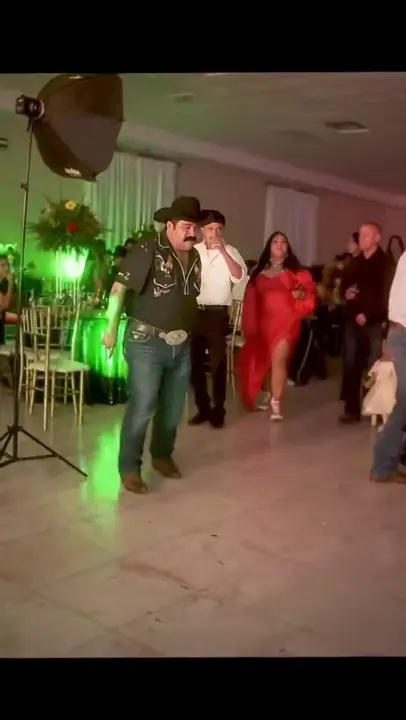 1 / 2
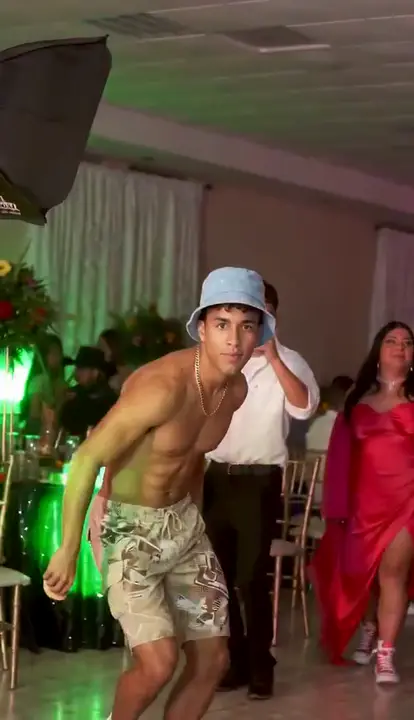 2 / 2
Creator examples from public posts, shown for reference. Not made with AI Trend Clips. Sources: @elmariobrox
Use a full-body photo of the person taking the main dancer's place. Keep the face, arms and legs easy to see.
One adult, head to shoes, facing the camera. Avoid hands covering the mouth.
Checking template availability…
Still needed: The dancer
Same idea, other viral clips. Your photo, one price, no subscription.
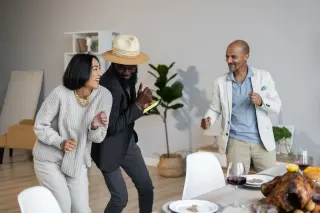
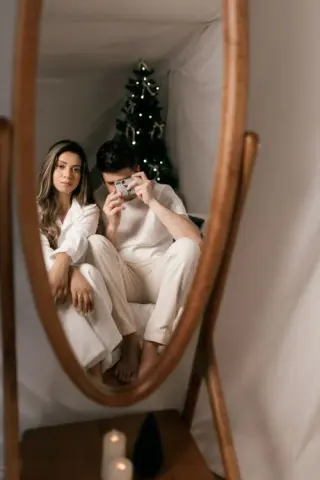
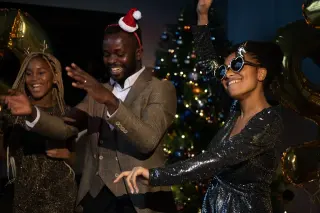
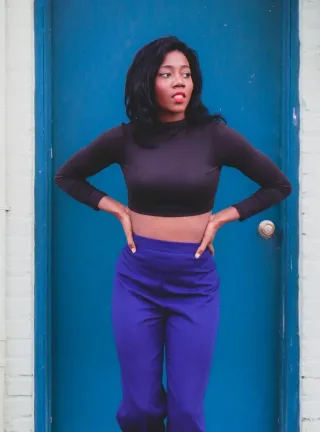
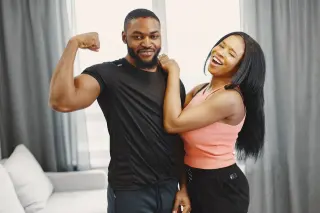
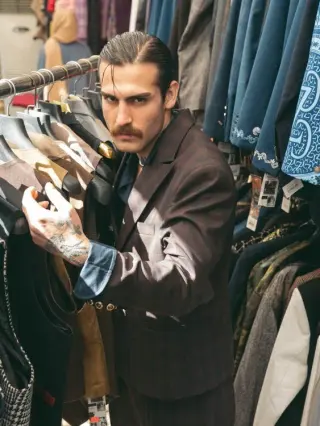
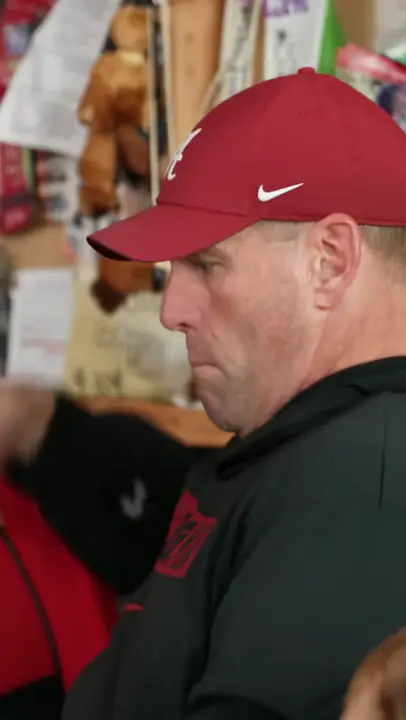 Creator reference
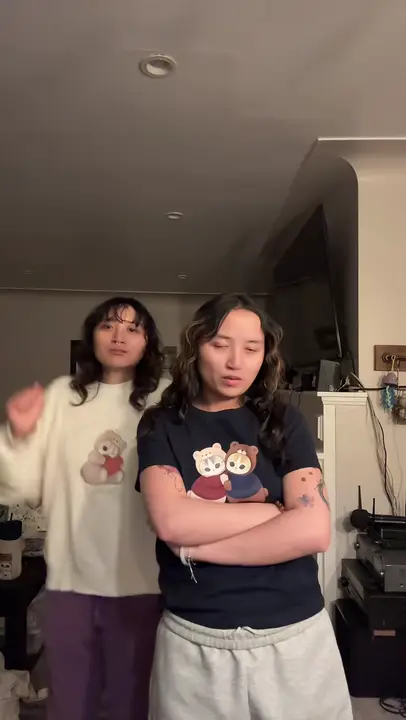 Creator reference
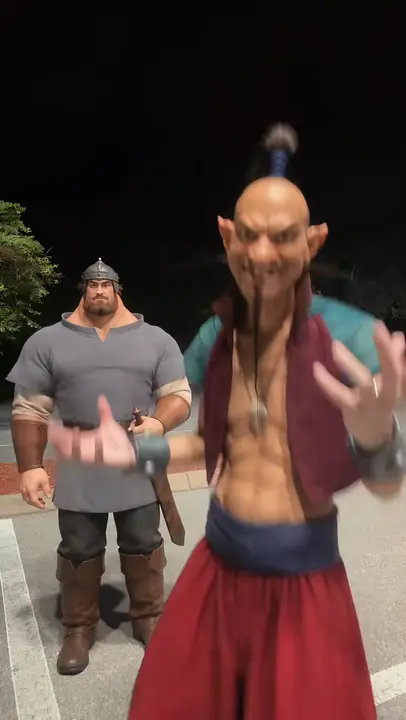 Creator reference
 Creator reference
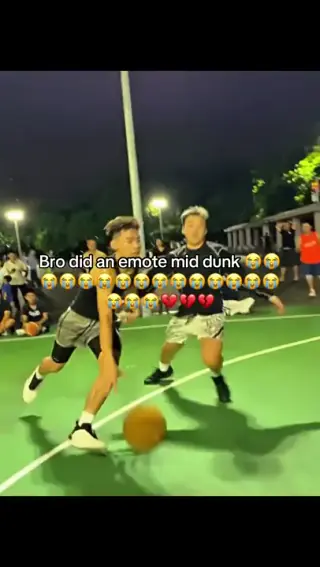 Creator reference
 Creator reference
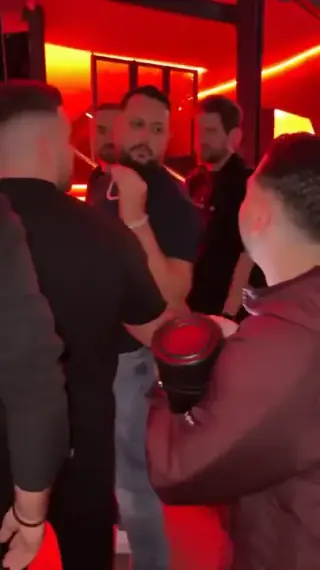 Creator reference
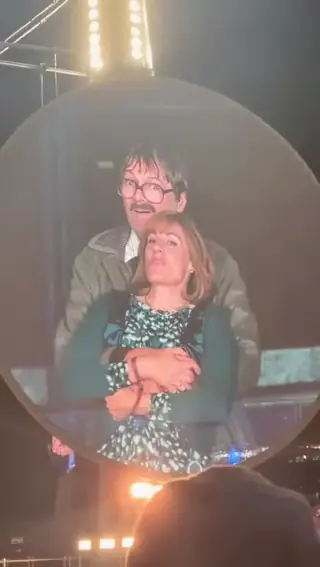
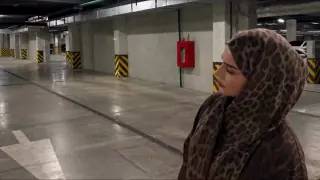
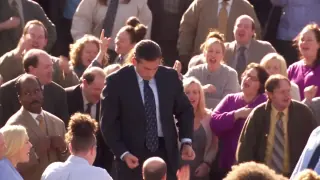
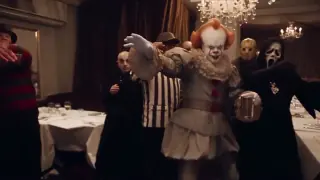
Updated
The Dime Dime Baby AI remake puts a new person into a dance-and-bread clip. The small details carry the joke: the approach has a particular rhythm, the bread reaches the mouth, the expression holds and the performer turns away.
This page uses one photo to replace the main dancer in the chosen reference. The party, other people and the sequence come from that clip, so you do not need to film yourself dancing.
The published template has a longer party version. Other recreations use a shorter original cut. Their timings are not interchangeable: use a prompt and audio cut that match the actual video reference. Dime Dime Baby template reference
SEEN ON SOCIAL
Watch the examples selected for this trend. Public creator clips are shown for reference and credited below; they were not made with AI Trend Clips.
The model has to maintain a person through hip movement and a turn, not just replace a static face. Showing the outfit, arms and legs reduces how much it has to invent. Keep the mouth unobstructed for the bread interaction.
The current template is configured for an adult person. A pet changes the body proportions, gait and hand-to-mouth action, so a person-based prompt should not be treated as a tested pet preset.
Add your photo, choose the scene where the template allows it, and pay once. The reference clip, the replacement prompt and the 720p settings are built in, so there is nothing to write. Your video is usually ready in 10 to 30 minutes in My orders, and if it fails you get a full refund automatically.
Make my videoUse one adult, head to shoes, with face and mouth clearly visible. There is no second photo or custom scene field.
US$9.99 per video. Stripe converts to your local currency at checkout where available. No account, no subscription.
Usually 10 to 30 minutes. You can close the page; the video waits in My orders on this device for 30 days.
Download the MP4 and post it on TikTok, Reels or Shorts. Label it as AI-generated where the app asks.
BEFORE YOU UPLOAD
Most failed results start with the photo. Check these three things first.
Use even light, open eyes and an unobstructed face. Avoid sunglasses and strong beauty filters.
The dance uses hips, legs and turns. A headshot leaves the model to invent most of the body and outfit.
The bread bite is a close interaction. Avoid hands, cups or large objects in front of the face.
QUALITY CHECK
Use these checks on any video tool before you post.
The approach should keep the source's body rhythm rather than become an ordinary walk.
Check the bread shape and the contact between the hand, bread and mouth.
The face and outfit should remain recognizable when the dancer faces the camera again.
PRICING
Pay once for each video. Prices are shown in your local currency where available.
$9.99/ video
GOOD TO KNOW
No. Upload one photo. The template's reference video provides the dance and camera timing.
This version is set up for one adult person. A pet version needs different body and bread-interaction instructions, so it is not part of this template yet.
The reference keeps the steps, camera and setting fixed in this version. Your photo changes the main dancer.
Yes. Your video keeps the sound of the trend clip, so it is ready to post. If you want your post linked to the trend’s sound page, you can also mute it and add the official sound from the TikTok, Instagram or YouTube Shorts library.
Each video is a one-time payment of US$9.99. In Brazil, Mexico and Ukraine the reference-video price is fixed in local currency: R$29,90, MX$99 and ₴249. Where supported, Stripe converts this to your local currency at checkout and shows the exchange rate and final amount before you pay. No account or subscription. If the video can't be made, you get a full refund automatically. The prompt is free.
Photos are uploaded only when you buy, sent to our AI video provider only to make your video, never used for training, and deleted automatically after 30 days together with the video.
Read how we handle your photos, the permitted uses and the refund terms.
Add your photo, pay once and download your video in minutes.