One subject per photo
Use one adult or one pet in even light, with the face uncovered. Avoid group photos, filters and sunglasses.
TEMPLATE · FRIENDS & MUSIC
Three friends, one phone and a night in Gangnam. Add your photo, invite up to two friends or pets, and give everyone a solo before the group finale.
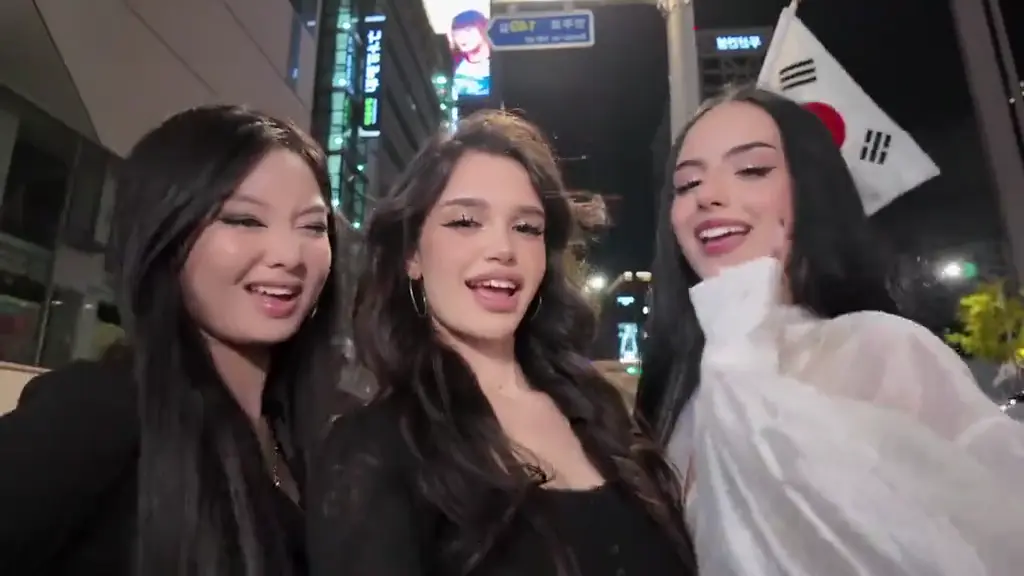 Example
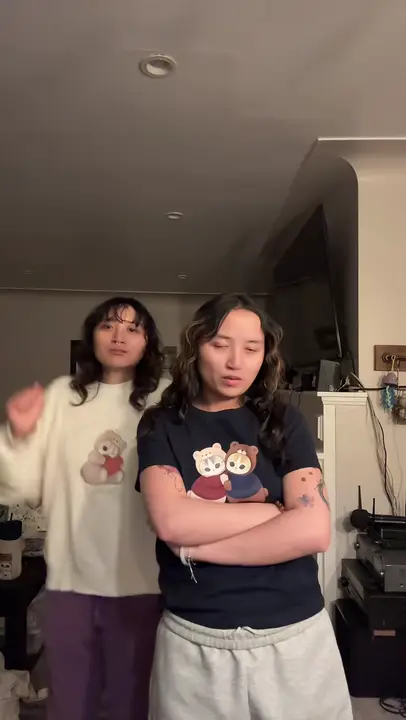
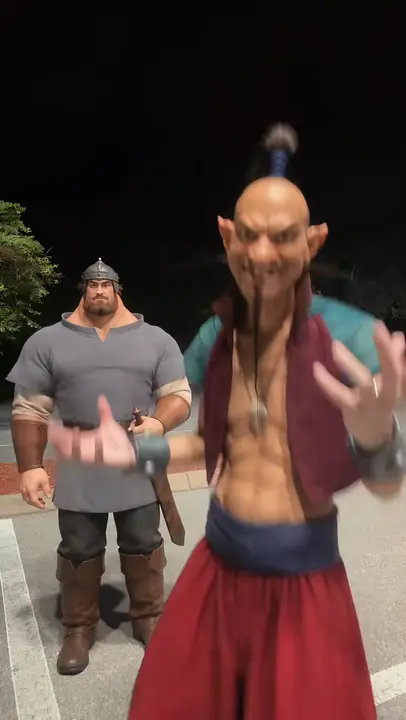
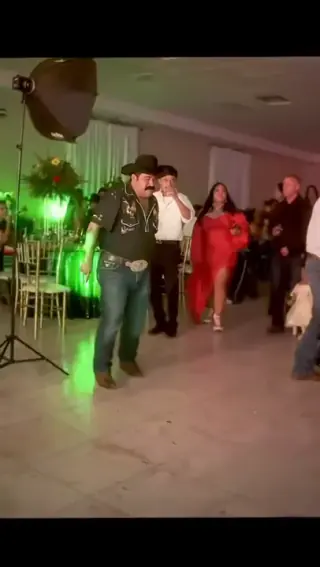
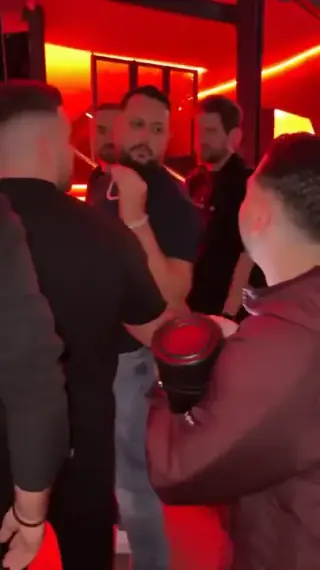
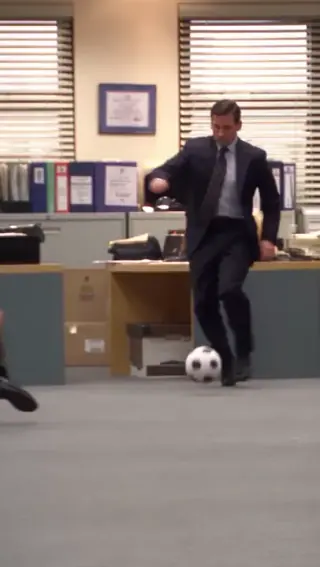
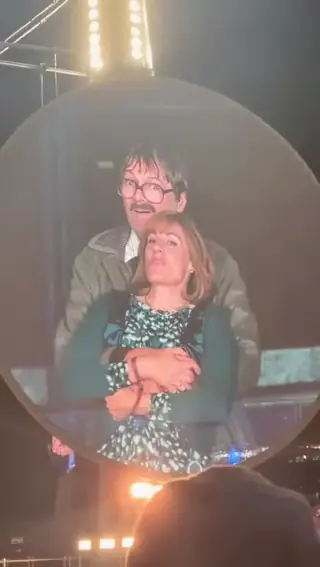
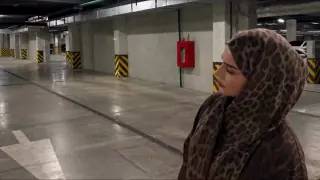
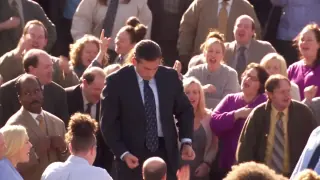
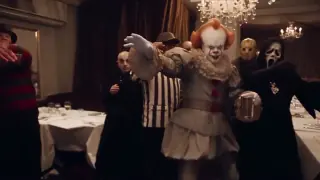
Creator examples from public posts, shown for reference. Not made with AI Trend Clips. Sources: @emiliyyam
Your photo is required. Add either friend, both, or neither. Empty friend spots become fictional AI characters. A pet can take any role.
A clear portrait or pet photo. Opens the selfie and gets the first solo.
One adult or pet for the second solo. Leave blank for an AI friend.
One adult or pet for the third solo. Works even if Friend 2 is empty.
Setting
Checking template availability…
Still needed: You · main performer
Same idea, other viral clips. Your photo, one price, no subscription.
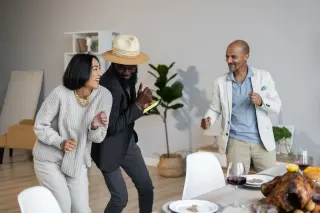
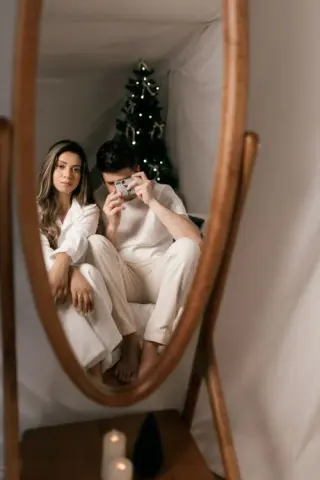
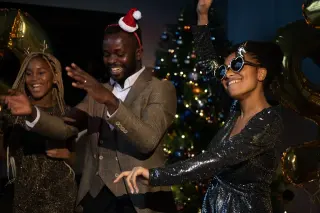
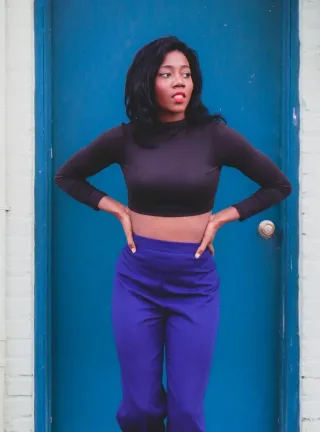
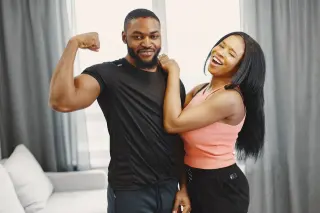
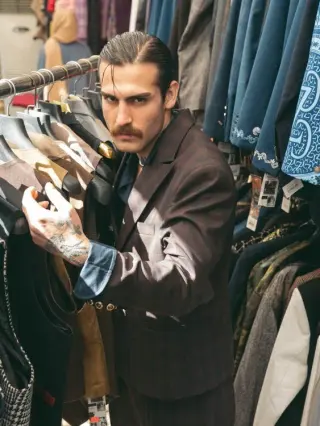
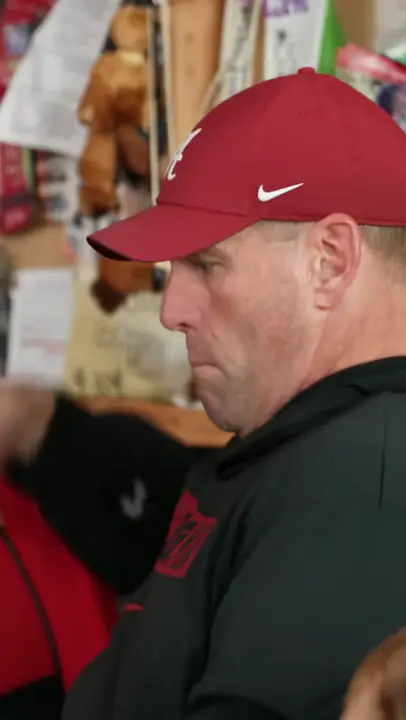 Creator reference
 Creator reference
 Creator reference
 Creator reference
 Creator reference
 Creator reference
 Creator reference
Updated
This version follows the group-selfie format associated with @emiliyyam's TikTok: friends trade close-ups and reunite in the final shot. It is different from the horse dance. The generator receives this creator clip as its video reference together with your photos, using the original solo order and camera movement to guide the remake.
Cast yourself, two friends or your pets in a night-out selfie with solo close-ups and a group finale. @emiliyyam · original group selfie
SEEN ON SOCIAL
Watch the examples selected for this trend. Public creator clips are shown for reference and credited below; they were not made with AI Trend Clips.
Your photo is required. Add either friend, both, or neither. Empty friend spots become fictional AI characters. A pet can take any role.
Keep the default location or choose a new one using a description or a location photo. Only the setting changes: the cast roles and action sequence remain the same. The scene photo is never another person in the video.
Add your photos to the labelled roles, keep the original setting or choose a new one, and pay once. The model receives the reference video together with your photos. Follow progress in My orders; failed generations are refunded automatically.
Make my videoYour photo is required. Add either friend, both, or neither. Empty friend spots become fictional AI characters. A pet can take any role.
Same trio and solos, a new location
US$9.99 per video. Stripe converts to your local currency at checkout where available. No account, no subscription.
Allow about 5–10 minutes; a busy queue can take longer. Follow the order in My orders and download the MP4 when it is ready. We add no watermark. A failed generation is refunded automatically.
Download the MP4 and post it on TikTok, Reels or Shorts. Label it as AI-generated where the app asks.
BEFORE YOU UPLOAD
Most failed results start with the photo. Check these three things first.
Use one adult or one pet in even light, with the face uncovered. Avoid group photos, filters and sunglasses.
Use a different photo in each box. Clothes and pet markings help separate the trio during quick camera turns.
Show its face, ears and body clearly. Keep other animals out of the frame.
QUALITY CHECK
Use these checks on any video tool before you post.
Check every solo and the final group shot for mixed faces or missing friends.
Watch the muzzle, ears and paws when a pet moves or opens its mouth.
Background lighting and geography should stay consistent through the camera turns.
PRICING
Pay once for each video. Prices are shown in your local currency where available.
$9.99/ video
GOOD TO KNOW
No. Only your main photo is required. Add a photo for either optional friend if you want to choose that character. Empty roles are invented by the AI.
Yes. Choose Change the setting, then describe a place or upload one location photo. The cast and solo order stay the same.
The video model creates its own audio, so the exact song and lip sync are not guaranteed. Add the official Gangnam Style sound in the posting app if you want that recording.
Allow about 5–10 minutes; a busy queue can take longer. Follow the order in My orders and download the MP4 when it is ready. We add no watermark. A failed generation is refunded automatically.
Each video is a one-time payment of US$9.99. In Brazil, Mexico and Ukraine the reference-video price is fixed in local currency: R$29,90, MX$99 and ₴249. Where supported, Stripe converts this to your local currency at checkout and shows the exchange rate and final amount before you pay. No account or subscription. If the video can't be made, you get a full refund automatically. The prompt is free.
Photos are uploaded only when you buy, sent to our AI video provider only to make your video, never used for training, and deleted automatically after 30 days together with the video.
Read how we handle your photos, the permitted uses and the refund terms.
Add your photo, pay once and download your video in minutes.