A pet instead of a dunker
Keep the animal anatomy instructions and the raised-paw alternative. Do not ask the animal to grow human fingers.
Use your first photo as the dunker and an optional second photo as the defender. The original video supplies the play, camera motion and replay cuts. The generator sends that clip with your photos to replace the players.
PROMPT
Use this in a video tool that supports a reference clip and photos. See the setup steps below.
The reference clip and prompt are already set up. Add your photos below and pay once to generate your video.
Written for this template’s cast and scene options. The linked creator post is a visual reference. Results vary by model and photos.
1 reference video + 1–2 photos
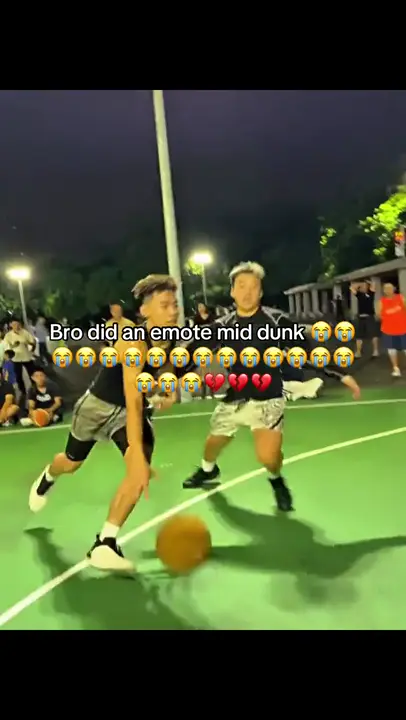
@Video1Reference videoProvided@Image1The dunkerRequired@Image2The defenderOptionalKit: reference video, prompt & photo checklist. Bring your own photos.
Use as a starting point. Results depend on your chosen video tool.
TEMPLATE · BASKETBALL
Beat the defender, rise to the rim and finish with a reverse dunk and a cheeky gesture. Cast yourself or your pet, then choose who gets dunked on.
1 / 2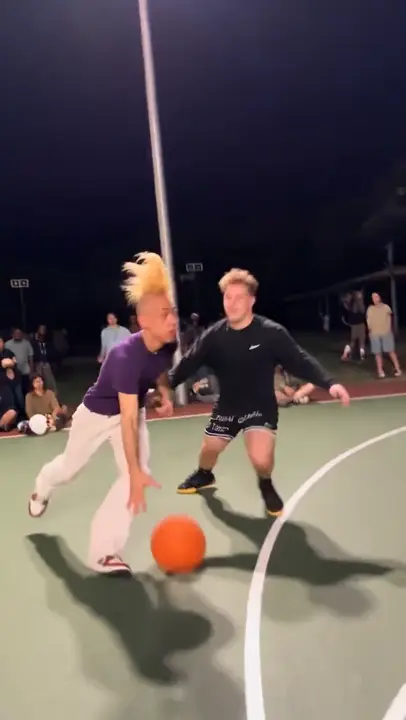 2 / 2
Creator examples from public posts, shown for reference. Not made with AI Trend Clips. Sources: @dihanator4000, @teuteuf6
Add the dunker first. A friend's photo is optional; otherwise AI creates the defender. A pet can play either role and raises a paw instead of a finger.
One adult or pet, face and body visible. A full-body photo helps with the jump.
Your consenting friend or pet. Leave blank for a fictional AI defender.
Court
Checking template availability…
Still needed: The dunker
HOW TO USE IT
Upload the original basketball clip as @Video1 to a model that accepts video and image references, such as Seedance 2.5. Set the output to 10 seconds, 9:16 and 720p, and keep identity photos separate from an optional court photo.
Each tag in the prompt points to one upload: @Image1 = The dunker · @Image2 = The defender (optional).
Match the prompt’s reference labels to your tool’s input names. Keep each photo assigned to the same role when you paste the prompt.
The ball goes through · Hands and paws stay plausible · The defender keeps their face
MAKE IT YOURS
Keep the animal anatomy instructions and the raised-paw alternative. Do not ask the animal to grow human fingers.
Ask to replace only the source court while following the original action. Keep enough room for the run-up, basket and landing in the frame.
TROUBLESHOOTING
Keep the one-ball instruction and the visible rim. Keep the source action reference and simplify only the custom scene. Do not add competing actions.
GOOD TO KNOW
Yes. Use a model that accepts a reference video together with identity photos. Upload the source clip, match the cast labels to your photo order, and set the duration and aspect ratio shown here.
Add your photo, pay once and download your video in minutes.