Use a clear photo
Choose a well-lit image with the subject easy to see. Avoid heavy shadows and covered faces.
TEMPLATE · DANCE
Add one or two photos for a night parking lot scene: one character points behind while the other hops three times, then they switch places. Results vary with the photos.
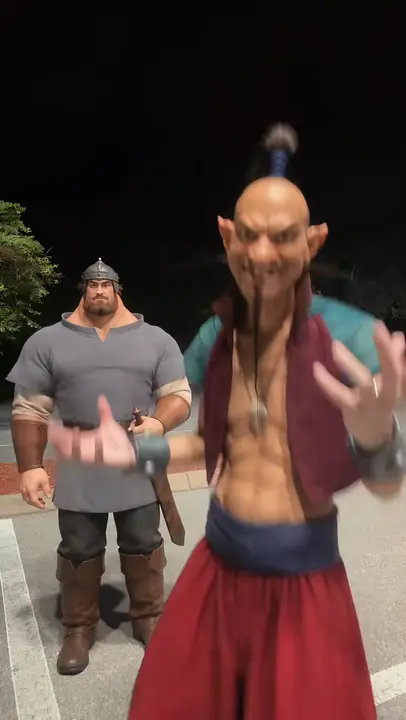 Example
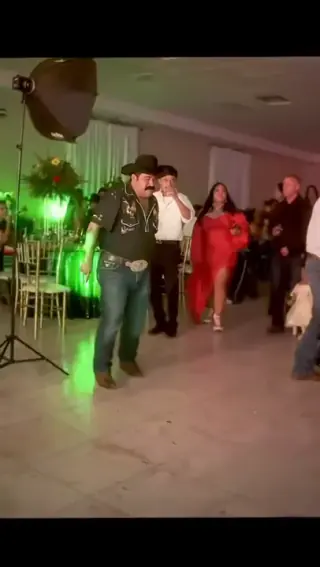
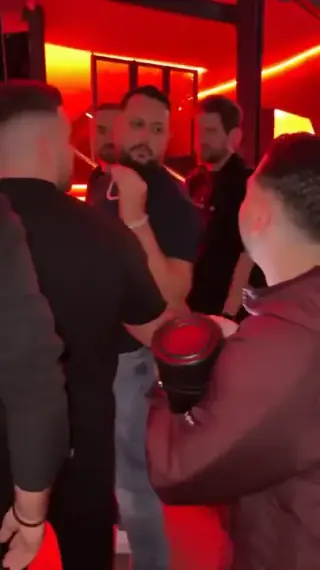
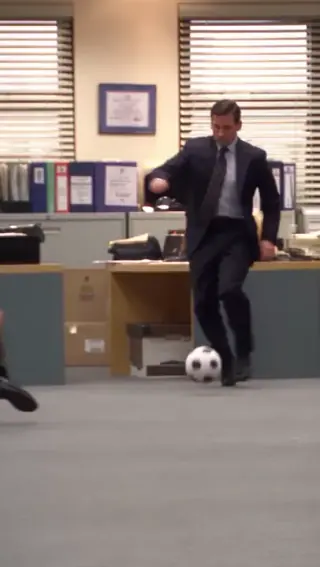
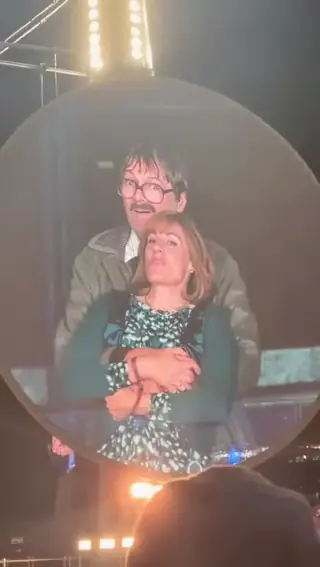
Creator examples from public posts, shown for reference. Not made with AI Trend Clips.
Add the person who points. Add a second person or pet, or use one photo for both roles.
One clear photo of the person in front.
Optional. Leave empty to use the first photo for both roles.
Checking template availability…
Still needed: Person pointing
Same idea, other viral clips. Your photo, one price, no subscription.
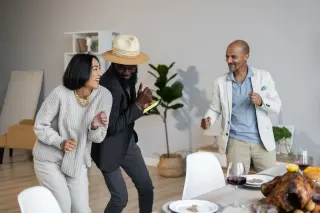
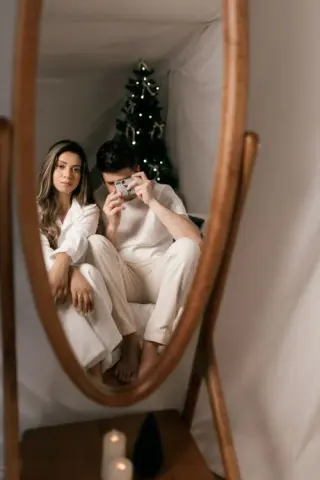
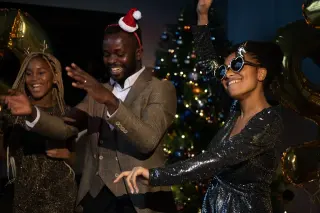
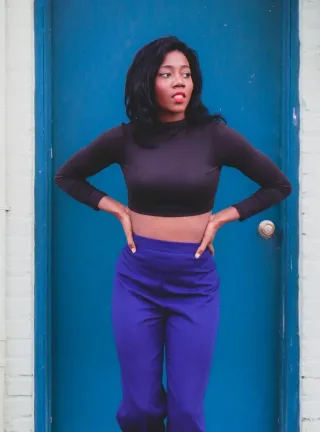
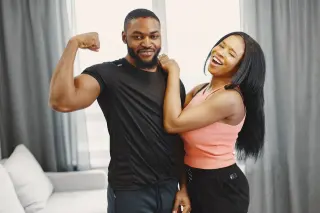
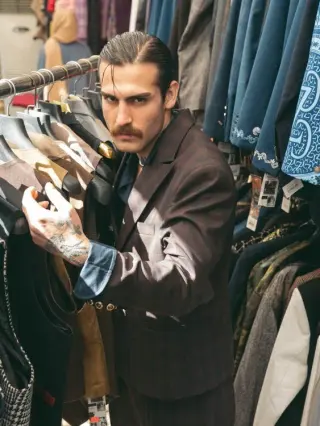
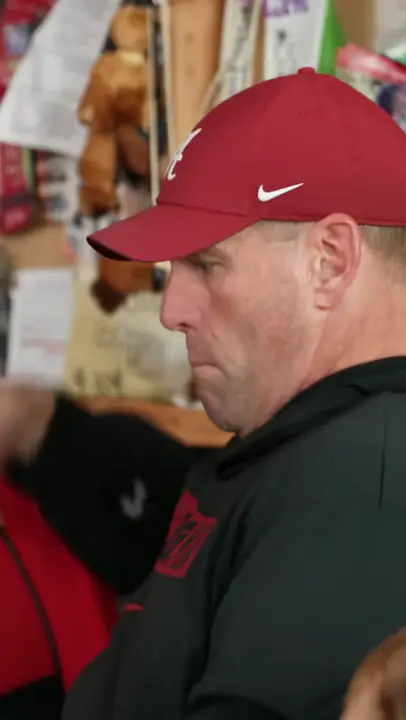 Creator reference
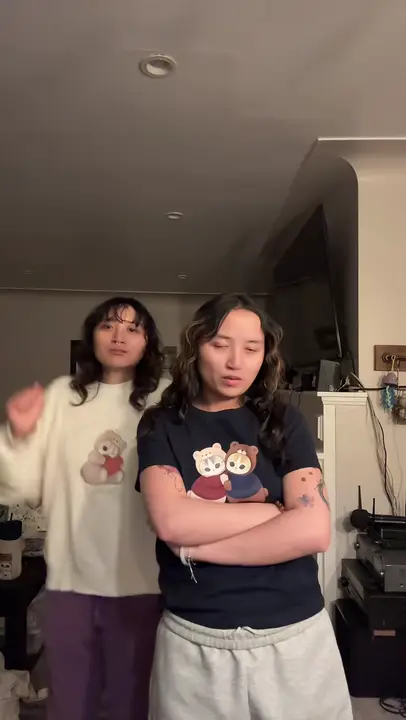 Creator reference
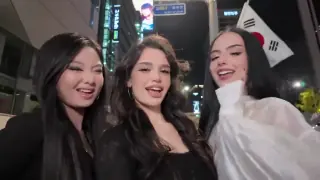 Creator reference
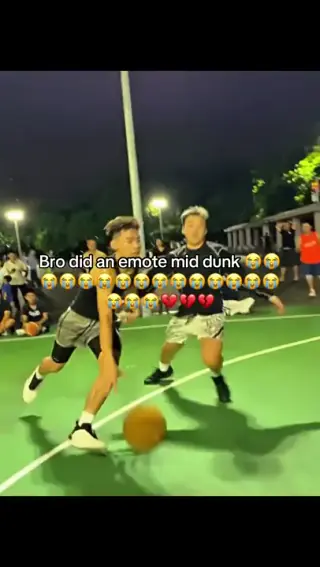 Creator reference
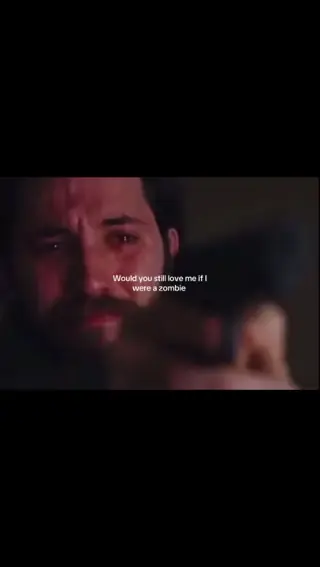 Creator reference
 Creator reference
 Creator reference
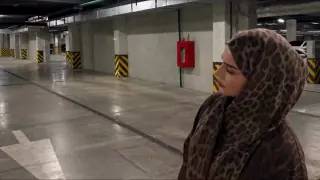
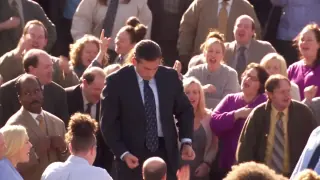
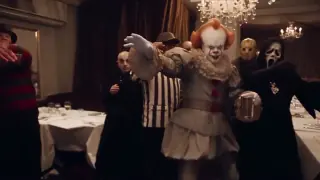
Updated
The scene uses a point toward the back, three hops and a hard cut that swaps the two positions. The characters hop again after the cut.
The linked creator clip is a reference for the pointing, hops and swap. It was not made with this template. @pouzato7
Add the person who points. Add a second person or pet, or use one photo for both roles.
Check the three hops and the hard cut; timing may vary between generations.
Check that the intended people or pet remain recognizable after they change places.
Add your photos to the labelled roles and pay once. The story prompt and video settings are already prepared. Follow progress in My orders; failed generations are refunded automatically.
Make my videoAdd the person who points. Add a second person or pet, or use one photo for both roles.
US$9.99 per video. Stripe converts to your local currency at checkout where available. No account, no subscription.
Usually 10 to 30 minutes. You can close the page; the video waits in My orders on this device for 30 days.
Download the MP4 and post it on TikTok, Reels or Shorts. Label it as AI-generated where the app asks.
BEFORE YOU UPLOAD
Most failed results start with the photo. Check these three things first.
Choose a well-lit image with the subject easy to see. Avoid heavy shadows and covered faces.
For two roles, use one person or pet per photo. A full-body image helps show the movement.
QUALITY CHECK
Use these checks on any video tool before you post.
Check the three hops and the hard cut; timing may vary between generations.
Check that the intended people or pet remain recognizable after they change places.
PRICING
Pay once for each video. Prices are shown in your local currency where available.
$9.99/ video
GOOD TO KNOW
Yes. Leave the second slot empty to use the first photo for both roles. Add a second photo for a friend or pet.
The audio is AI-generated; the original song is not guaranteed. Add the song from your platform's music library when you post.
Each video is a one-time payment of US$9.99. Where supported, Stripe converts this to your local currency at checkout and shows the exchange rate and final amount before you pay. No account or subscription. If the video can't be made, you get a full refund automatically. The prompt is free.
Photos are uploaded only when you buy, sent to our AI video provider only to make your video, never used for training, and deleted automatically after 30 days together with the video.
Read how we handle your photos, the permitted uses and the refund terms.
Add your photo, pay once and download your video in minutes.