Use a clear photo
Choose a well-lit image with the subject easy to see. Avoid heavy shadows and covered faces.
TEMPLATE · DANCE
Add one photo for a 12-second dance with three realistic copies of the same person in the frame. Results vary with the photo.
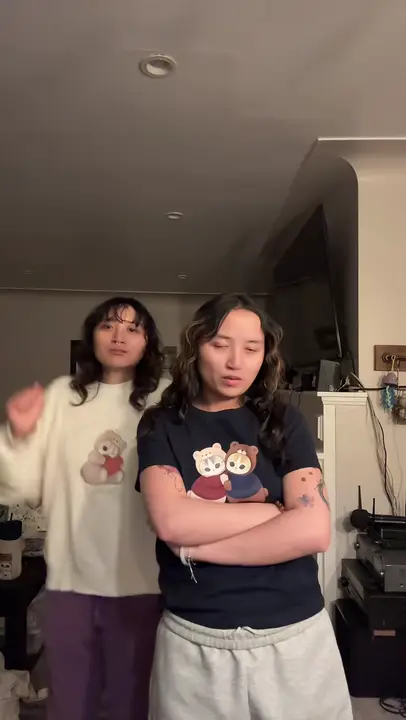 Example
Creator examples from public posts, shown for reference. Not made with AI Trend Clips.
Choose one clear photo of a person. The template uses it for all three dancers.
One clear photo of one adult.
Checking template availability…
Still needed: Dancer
Same idea, other viral clips. Your photo, one price, no subscription.
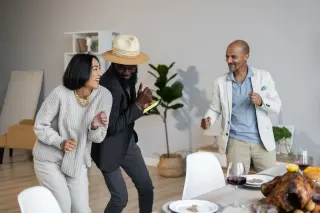
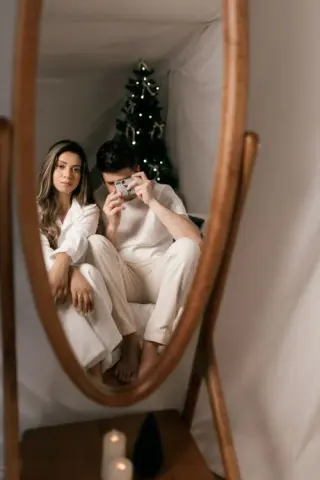
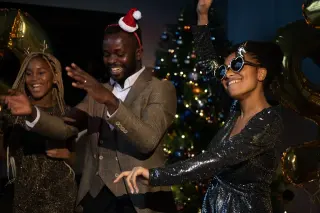
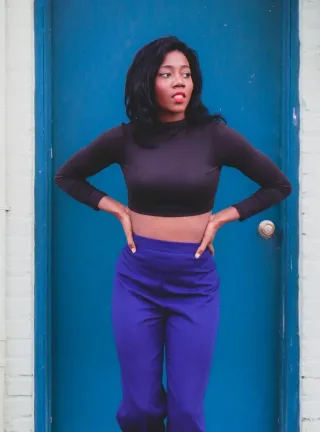
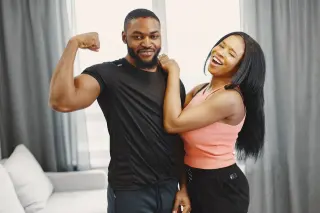
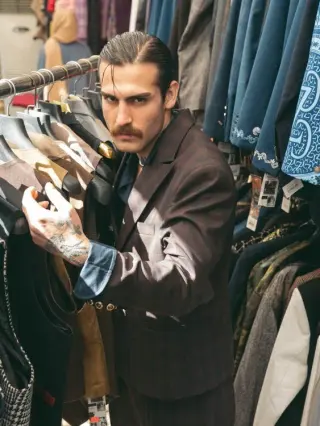
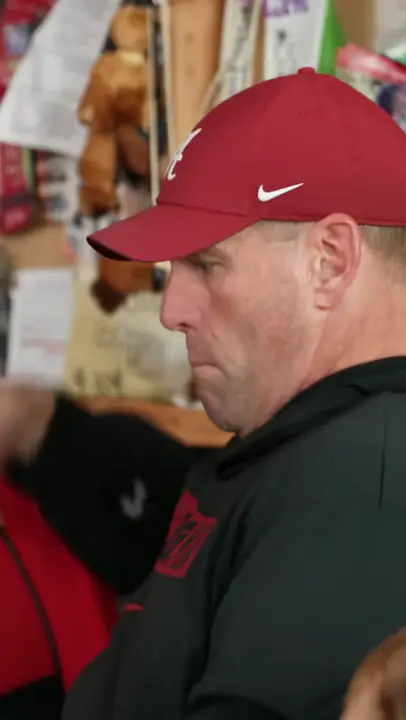 Creator reference
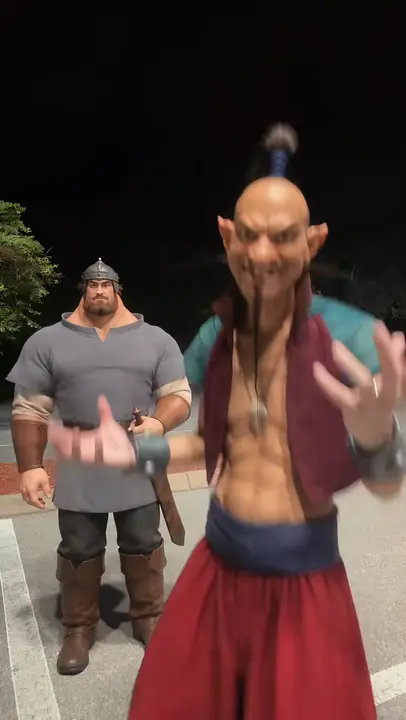 Creator reference
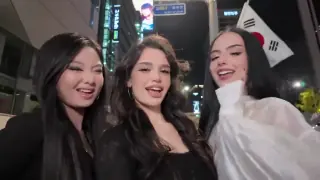 Creator reference
 Creator reference
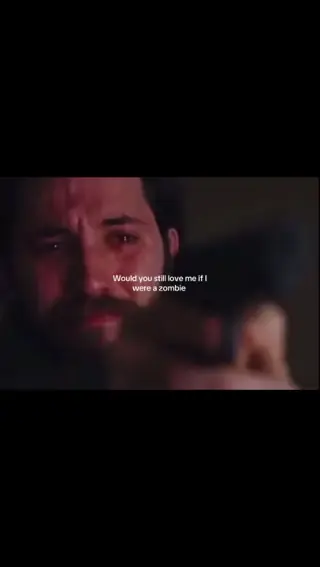 Creator reference
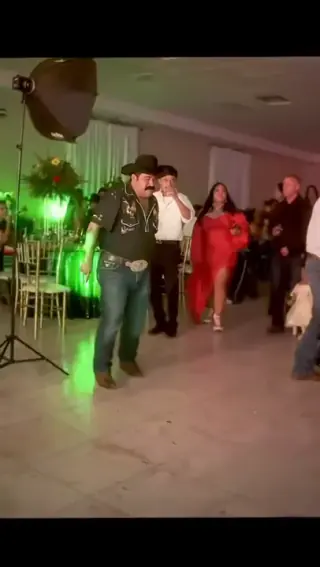 Creator reference
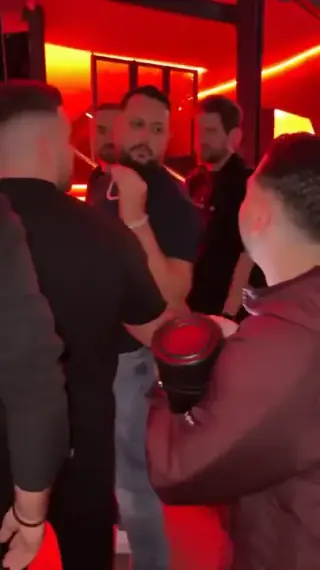 Creator reference
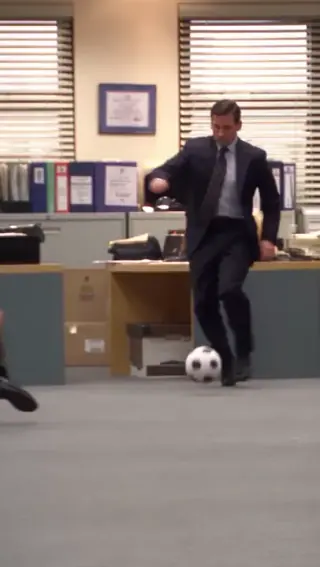
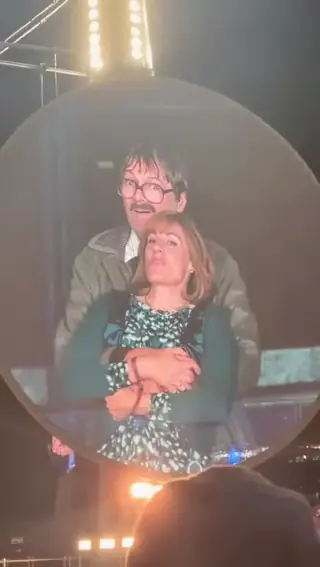
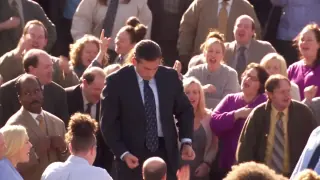
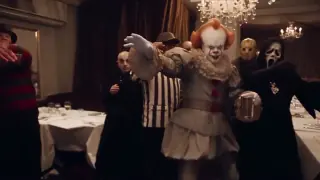
Updated
The creator reference shows three people dancing. This template uses one photo to create three human copies of the same person dancing together.
The linked creator clip shows three people dancing and was not made with this template. This template uses one photo for three copies of the same person. @icm_triplets
Choose one clear photo of a person. The template uses it for all three dancers.
Check that three copies stay visible and retain the subject's recognizable features.
Watch the feet and hands for distortion before sharing.
Add your photos to the labelled roles and pay once. The story prompt and video settings are already prepared. Follow progress in My orders; failed generations are refunded automatically.
Make my videoChoose one clear photo of a person. The template uses it for all three dancers.
US$9.99 per video. Stripe converts to your local currency at checkout where available. No account, no subscription.
Usually 10 to 30 minutes. You can close the page; the video waits in My orders on this device for 30 days.
Download the MP4 and post it on TikTok, Reels or Shorts. Label it as AI-generated where the app asks.
BEFORE YOU UPLOAD
Most failed results start with the photo. Check these three things first.
Choose a well-lit image with the subject easy to see. Avoid heavy shadows and covered faces.
Use a photo of one person with face and outfit visible. A full-body photo gives the model more detail for the dance.
QUALITY CHECK
Use these checks on any video tool before you post.
Check that three copies stay visible and retain the subject's recognizable features.
Watch the feet and hands for distortion before sharing.
PRICING
Pay once for each video. Prices are shown in your local currency where available.
$9.99/ video
GOOD TO KNOW
The template uses one photo to make three copies of the same person, arranged left, center and right. It does not accept separate photos for three people.
The audio is AI-generated; the original song is not guaranteed. Add the song from your platform's music library when you post.
Each video is a one-time payment of US$9.99. Where supported, Stripe converts this to your local currency at checkout and shows the exchange rate and final amount before you pay. No account or subscription. If the video can't be made, you get a full refund automatically. The prompt is free.
Photos are uploaded only when you buy, sent to our AI video provider only to make your video, never used for training, and deleted automatically after 30 days together with the video.
Read how we handle your photos, the permitted uses and the refund terms.
Add your photo, pay once and download your video in minutes.